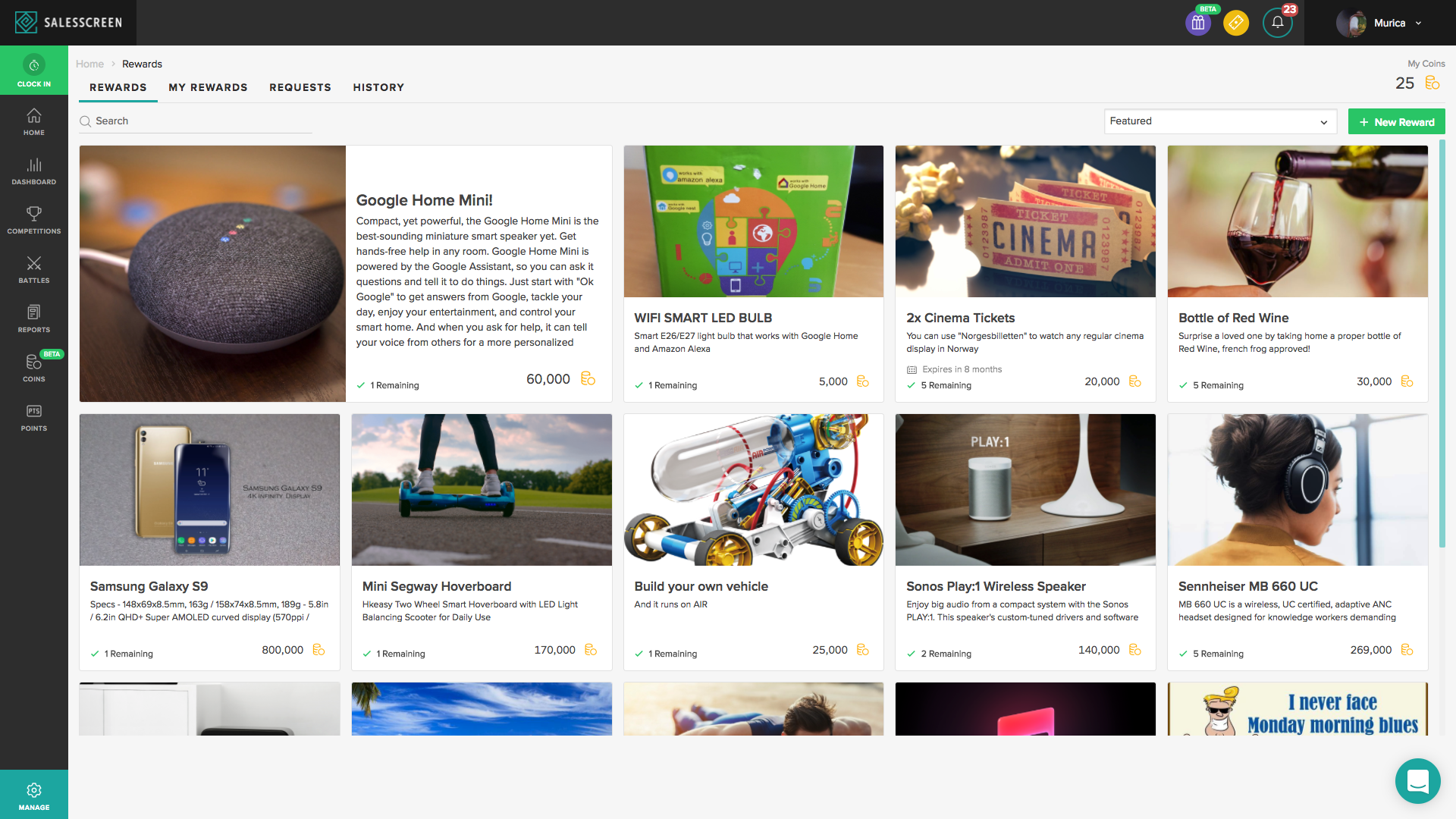
SalesScreen Rewards out in Beta
Our new Rewards program is now out for testing. The Rewards shop allows managers to set a coin value for tasks completed… then, employees can go to the webshop to redeem coins for real-life prizes chosen and provided by their companies.
For a long time, we’ve said that in order for rewards to be effective, they have to be personal. So, this is our effort to give you full control on awarding meaningful incentives to your employees.
We suggest that the best way to use this new feature is to have 1-on-1 conversations about what people would like to see in the Rewards shop. That way, each person has something that they are striving to earn. Perhaps a few tiers of gift (low, medium, high) per person could be a smart idea?
As this is in Beta, there may be some issues for us to fix still, but if you’d like to try it out, let us know by sending a note to our support team via Intercom chat. As always, we hop you enjoy it and we look forward to receiving your feedback and suggestions!
How to use it?
Simply set a coin value for each prize you would like to provide, say for example 500 coins for movie tickets and 90,000 coins for a Flatscreen TV. Then assign coin values to tasks, such as 10 coins per sale 5 coins per offer sent and 1,000 coins for the best sale of the month. Next, fill the Rewards shop with prizes, set a number limit on availability of each prize (if you wish), and let the fun begin! Managers must approve the “purchase”/coin use for prizes, and then deliver the goods :)
SalesScreen Themes
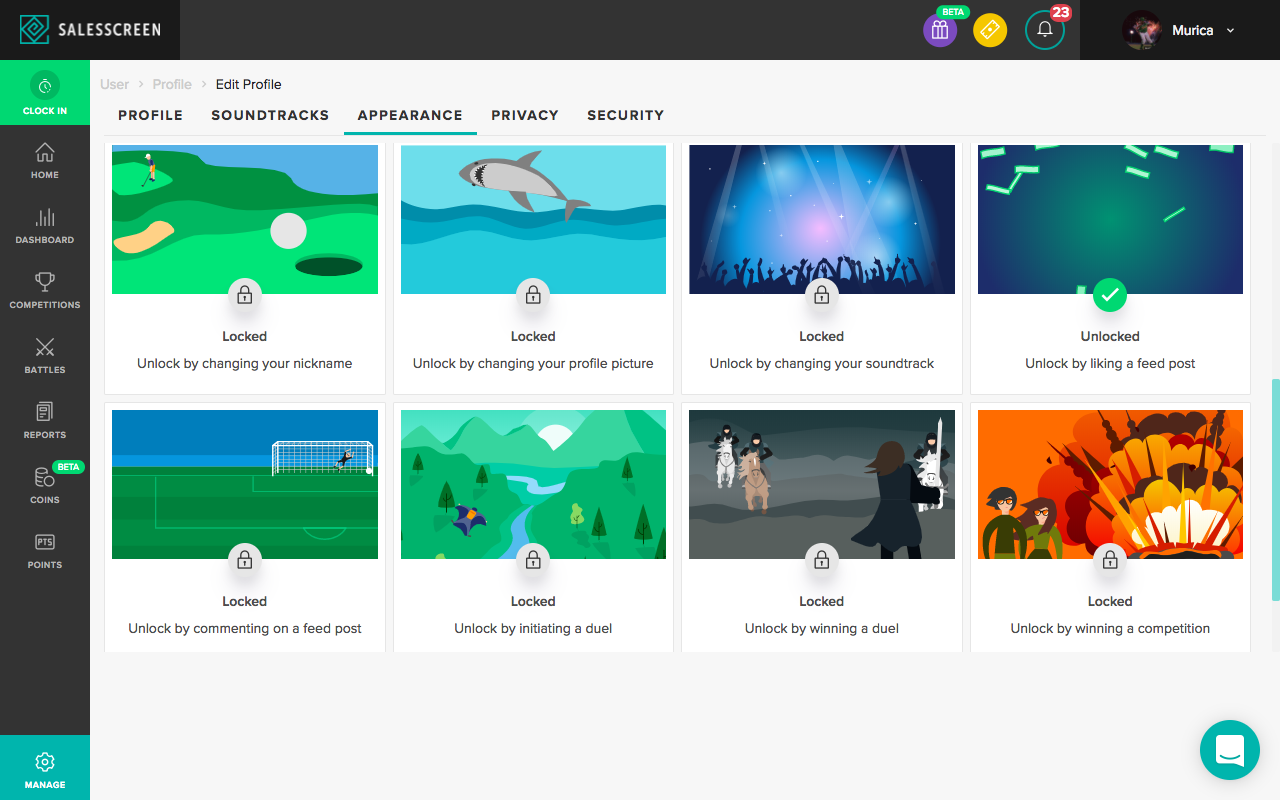
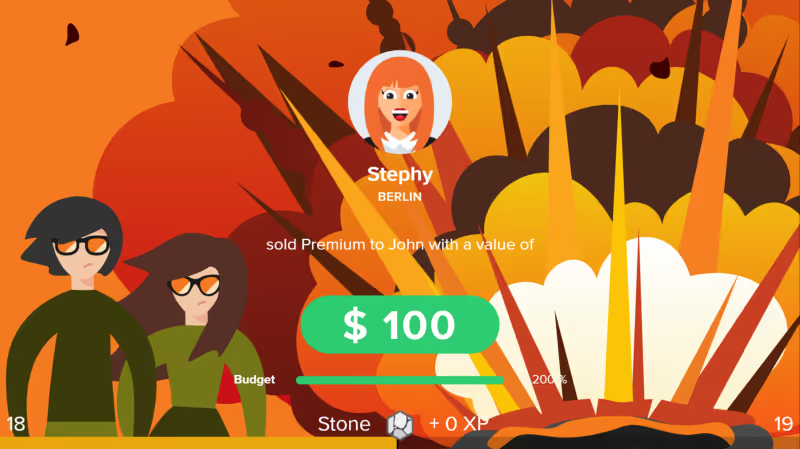
We’ve decided to spice up the SalesScreen celebration background that shows on TVs. Replace the blue popup with something new… there are now 16 unlockable backgrounds to earn and choose from!
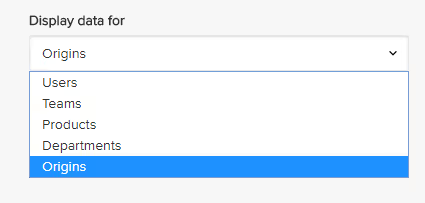
Origins as data level on slides
You can now add slides with data for origins. This allows you to see how many sales came from telephone/email/ etc. You can set this up to view toplists, KPIs, and other data.
Value on activity reports in the logger
Previously you could not enter value on activity reports in the logger, only quantity. You can now enter a value for activity reports.
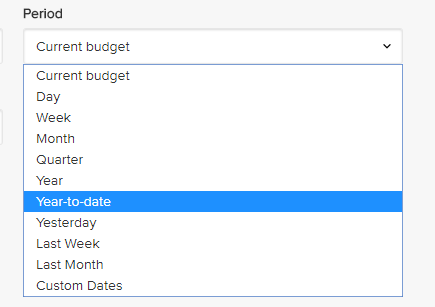
Year-to-date as predefined period
You can add slides and widgets showing your performance from the start of the year until now. Compared to Year, the biggest difference will be that the goal for the period will not be the complete yearly quota, but only the calculated value for the start of the year until now.